
- iOS
- watchOS
RepSense
Strength training, measured rep by rep. Apple Watch tracks, iPhone guides.
Overview
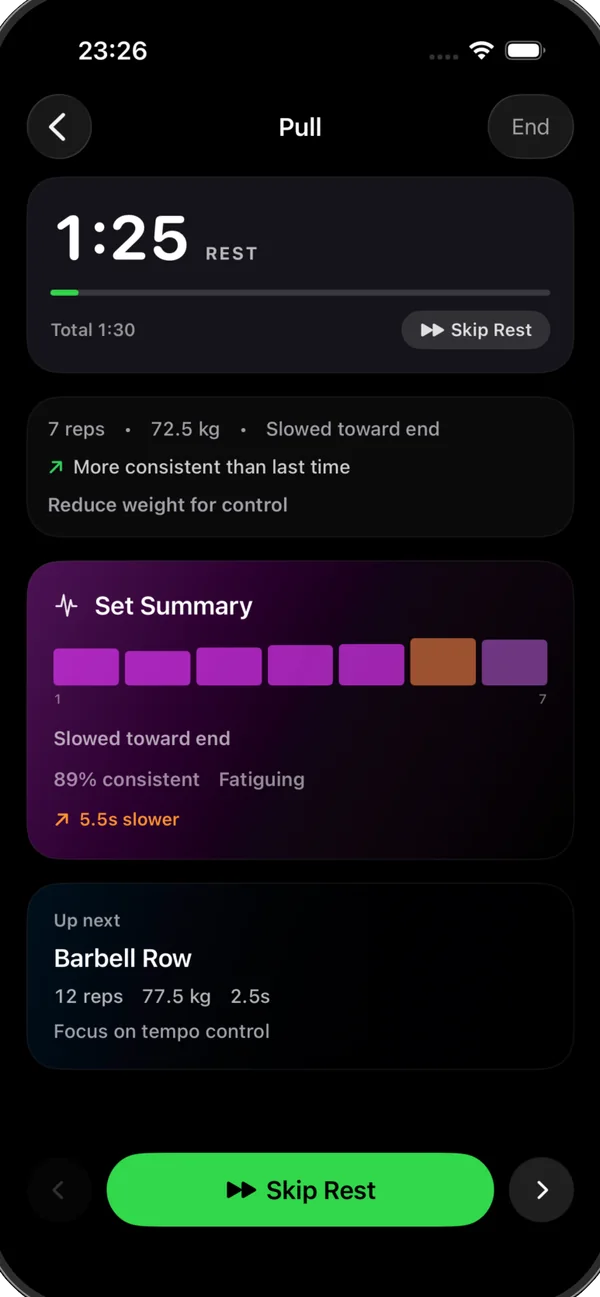
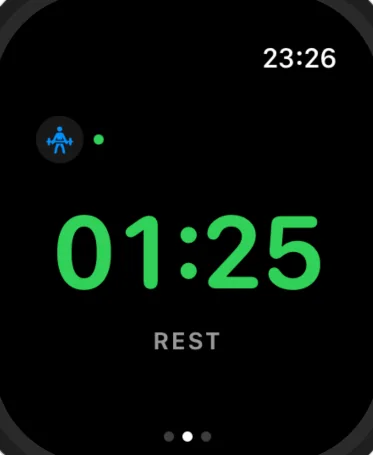
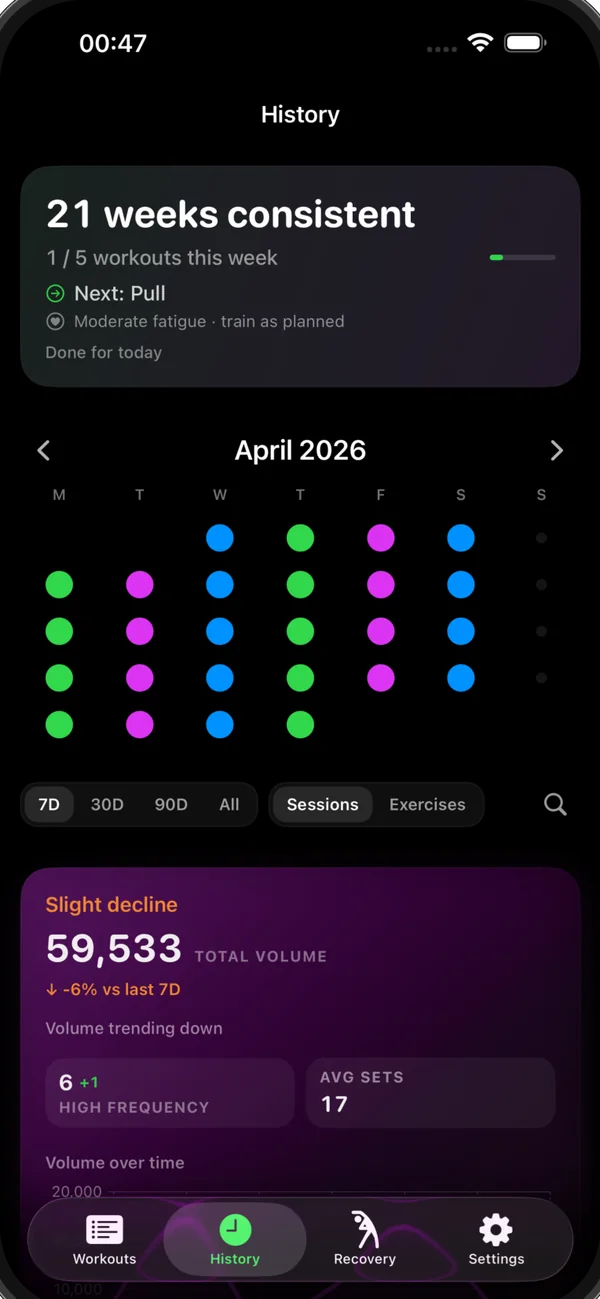
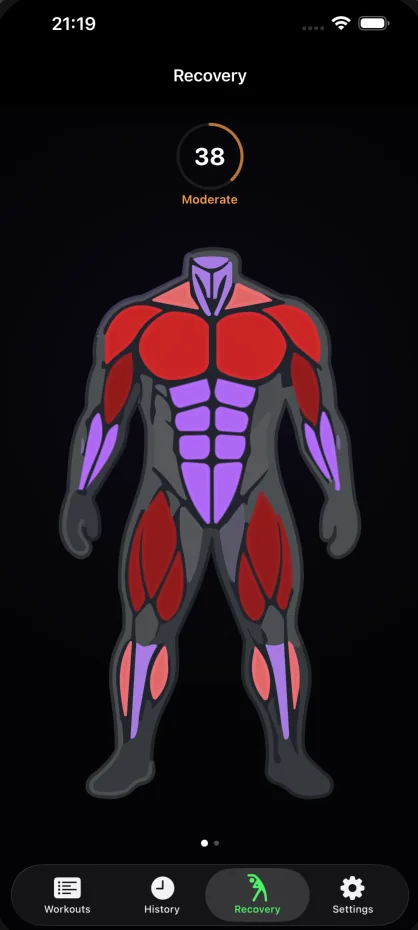
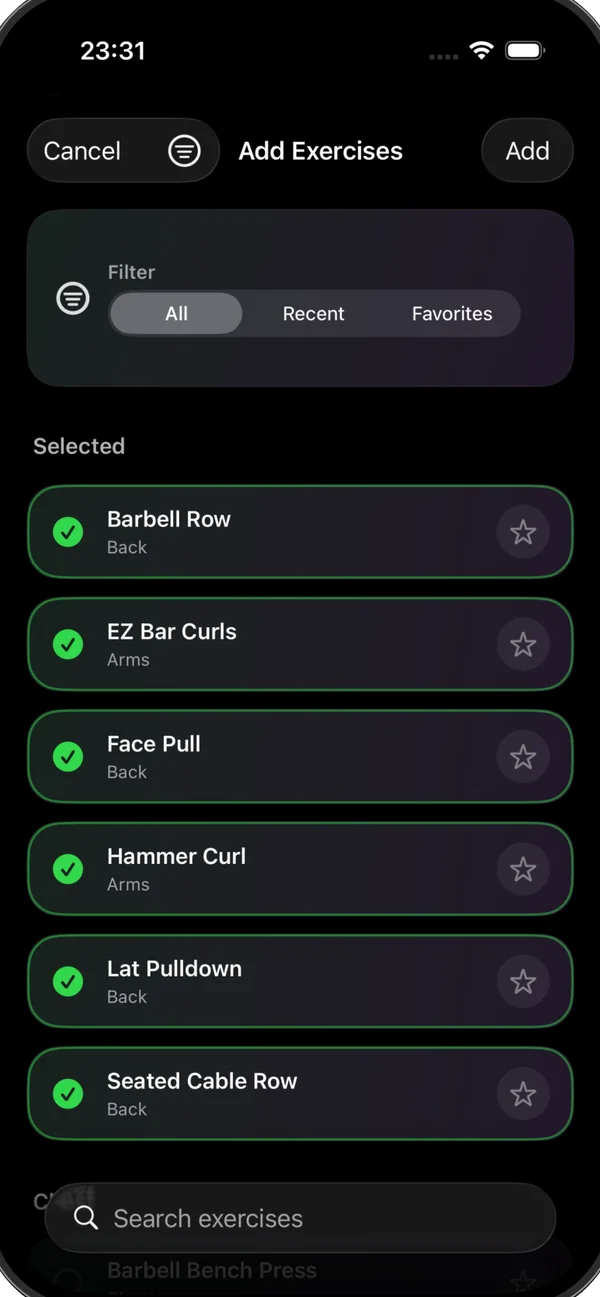
RepSense is a strength-training app for Apple Watch and iPhone. The watch runs the session: it detects every rep automatically and measures tempo as you lift, with haptic cues to hold your pace. iPhone handles planning and review, breaking each set down rep by rep so you can see where performance shifted. No accounts and no cloud sync: training data stays on your devices.
- The problem
- Logging sets by hand interrupts training, and rep counts alone say nothing about how each rep was performed.
- My role
- Designed and shipped solo, owning the full product lifecycle from concept through interaction design, engineering and App Store release.
Highlights
- 01
Watch-first training
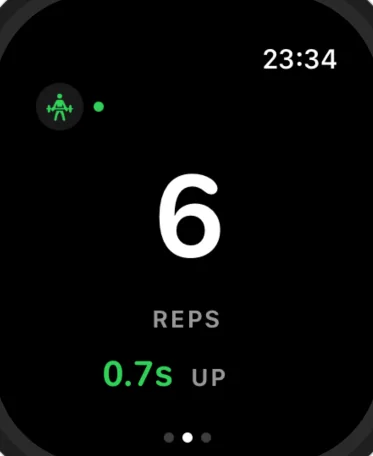
The whole session runs on Apple Watch, with only the essentials on screen mid-set. iPhone syncs automatically and is there for planning and review.
- 02
Automatic rep detection
No tapping and no logging: every rep is detected on the wrist, so you stay in the set.
- 03
Tempo you can feel
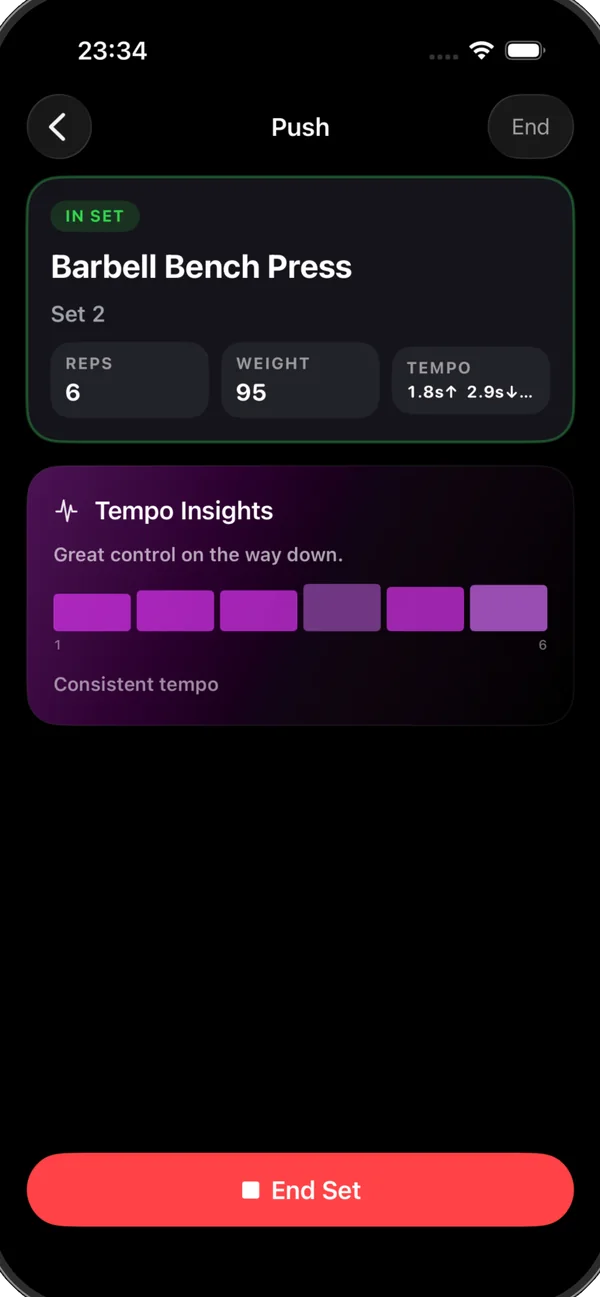
Concentric, eccentric and isometric phases are measured as they happen, and haptic cues help hold a steady tempo when the set gets hard.
- 04
Rep-by-rep review
Every set gets a breakdown of tempo balance, consistency and control, to spot the rep where performance shifted.
- 05
Private by default
No accounts, no cloud sync and no social features. Training data stays on your iPhone and Apple Watch.
Engineering challenges
Real-time detection on the wrist
Detecting each rep and measuring concentric, eccentric and isometric phases live on Apple Watch, with haptic tempo cues mid-set.
Glanceable mid-set interface
Designing a watch interface that shows only what matters during a set, with planning and analysis moved to iPhone.
Private sync without a backend
Keeping Watch and iPhone in step automatically, with no account and no cloud sync: training data stays on the user's devices.
Screenshots
More products
- 01
ControlPad
A trackpad, keyboard and remote for your Mac, with controls that follow the app you're using.
- macOS
- iOS
- iPadOS